
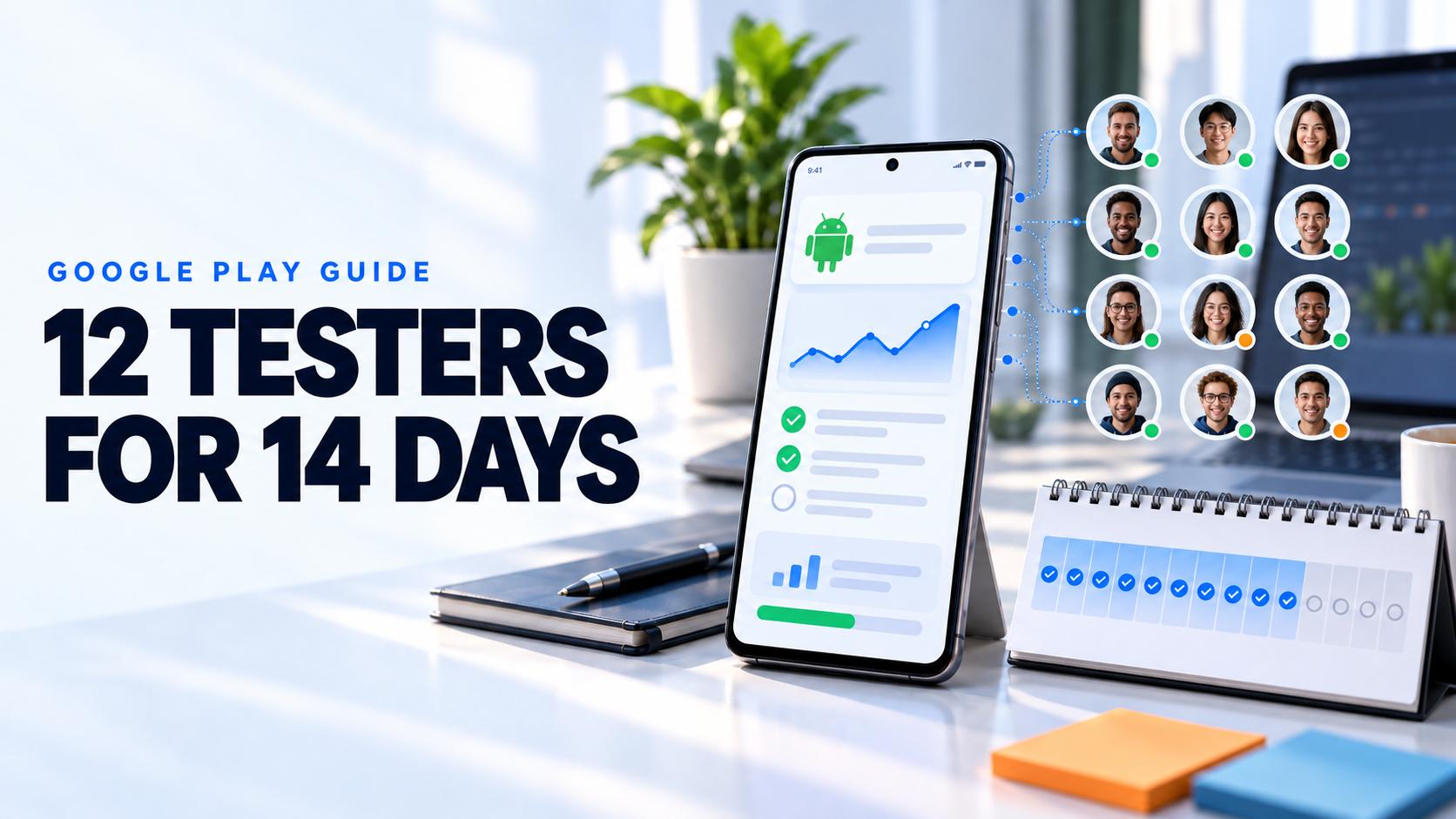
Google Play is not asking for twelve email addresses. It is asking for evidence that a real closed test improved an app before production.
The Google Play 12 testers for 14 days requirement applies to certain new personal developer accounts before an app can request production access. Meeting it takes more than adding names to a list. Testers must remain opted in continuously, the app must be testable, and the production application asks what people tested, what feedback they gave, and what changed because of that feedback.
This guide explains the current rule, the correct Play Console setup, a practical fourteen day testing plan, and the evidence that supports a credible production access application.
Who must complete this requirement
Google states that personal developer accounts created after November 13, 2023 must run a closed test with at least 12 testers opted in continuously for at least 14 days before applying for production access. The requirement is attached to the account and app workflow shown in Play Console.
Older personal accounts and organization accounts can have different access paths. Do not assume that advice from another developer describes your account. Open the app dashboard in Play Console and treat the requirements shown there as authoritative.
Google originally used a higher threshold for some developers. Current official documentation says at least 12 testers. Check the app testing requirements for new personal accounts immediately before starting because platform rules can change.
What continuously opted in means
The same minimum group must stay enrolled in the closed test for the full fourteen day period. A tester who opts out before completing fourteen consecutive days does not count. If that person opts in again, their continuous period starts again.
The official rule describes continuous opt in status. It does not say that every tester must open the app every day. However, Google asks about tester engagement and expected production behavior when you apply. Google can require more testing when engagement is insufficient. A list of inactive accounts may satisfy neither the quality goal nor the production review.
Recruit more than the minimum so one accidental opt out does not put the schedule at risk. A small buffer of relevant participants is operational protection, not a different Google requirement.
Set up the closed testing track correctly
Complete the app setup before starting the clock. Prepare the store listing, app content declarations, privacy information, target audience, data safety details, content rating, and a signed Android App Bundle. A broken setup can delay distribution even when testers are ready.
Create a closed testing track in Play Console and add testers with an email list or a Google Group. Google recommends using the correct group address when a Google Group manages access. Publish the release to the closed track and wait until the opt in flow is available.
Send testers both the opt in link and the Play Store link. Testers in an internal or closed test may not discover the app through normal Play Store search. They must join with the Google account authorized for the test. If the installation page says the app is unavailable, confirm the account, country availability, release status, and whether the tester has joined a conflicting track.
The official testing track documentation explains email lists, Google Groups, opt in links, track behavior, and how users move between tracks.
How the fourteen day closed test works
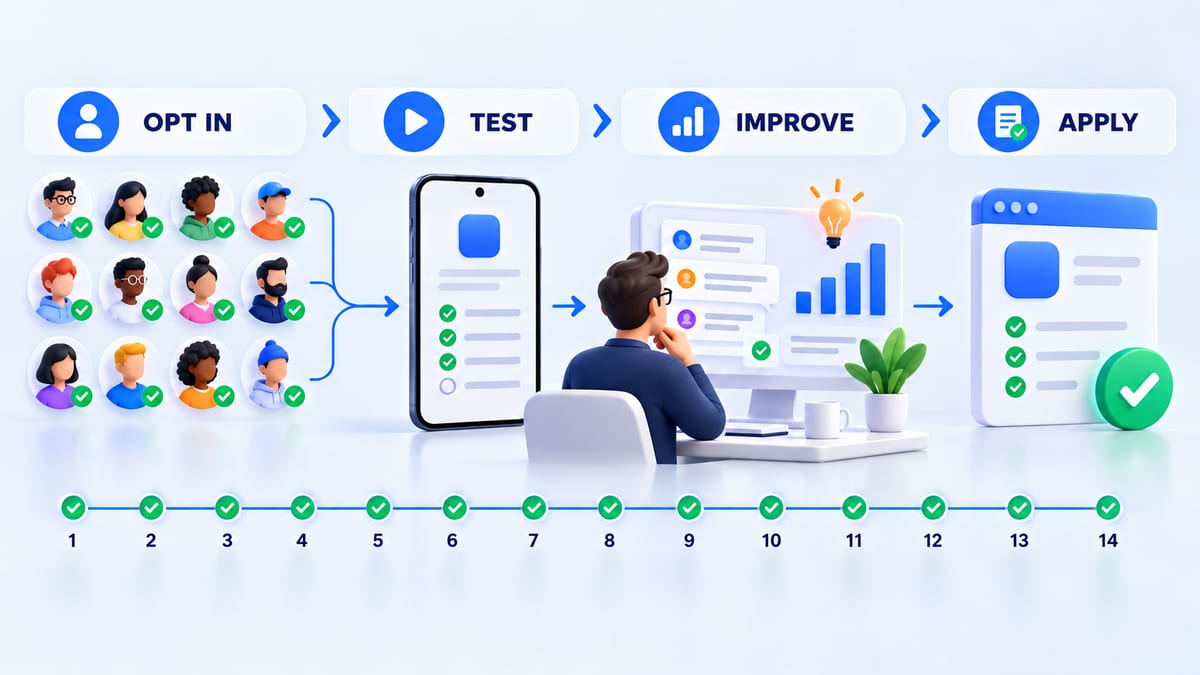
Treat the test as a release cycle with observable work rather than a passive countdown.
Before day one
Verify the build through internal testing. Confirm installation, launch, sign in, the core journey, crash reporting, analytics, and the feedback route. Prepare test accounts and synthetic data so participants never need real customer credentials.
Write a short mission for each important flow. State the starting condition, goal, expected outcome, edge case, evidence format, and deadline. A focused mission produces stronger engagement than a request to explore everything.
Days one through three
Confirm that every selected tester has opted in with the correct Google account and installed the closed test build. Keep a private coverage sheet with device model, Android version, mission, installation status, and opt in date.
Resolve access problems immediately. The most common early failures are the wrong Google account, an unpublished release, an incorrect link, a country restriction, or a tester still enrolled in the internal track.
Days four through ten
Ask testers to complete realistic tasks across the device and user matrix. Include fresh installation, returning session, permission denial, slow or interrupted network, background recovery, and the primary business flow when relevant.
Review Play Console quality signals and your own telemetry. The pre launch report can surface stability, performance, accessibility, and screenshot issues across test devices, but Google warns that it cannot identify every problem. Combine automation with real user evidence.
Triage reports by impact. Fix crashes, data loss, sign in failures, privacy problems, and blocked core journeys first. Publish an updated build to the same closed track when needed and tell testers exactly what to retest.
Days eleven through fourteen
Confirm that at least twelve testers still show as continuously opted in. Complete retests, summarize findings, and document accepted risks. Do not tell people to leave the program until Play Console enables the production access application and the submission is complete.
Keep the closed test running while Google reviews the application. There is no quality benefit in immediately dismantling a test group that may still be needed for clarification or another build.
Recruit testers who will actually participate
Start with people who match the app rather than people who merely own Android phones. Screen for device, operating system, locale, network context, experience with the problem, and availability during the full test window.
Use existing customers, a waitlist, trusted professional communities, personal contacts who fit the audience, or a structured testing platform. The guide on how to find beta testers covers recruitment channels, screening, invitations, rewards, and engagement.
Be cautious with any service that promises guaranteed approval. No outside service controls Google's production decision. A credible service can help recruit testers and organize feedback, but the developer remains responsible for app quality, policy compliance, truthful application answers, and working test credentials.
Give every tester a meaningful mission
Assign a small set of realistic actions that can be completed without a meeting. Useful missions include onboarding from a fresh install, completing the main task, changing a permission, recovering from lost connectivity, reopening the app, and repeating the task after an update.
Ask for the build number, device, Android version, steps, expected result, actual result, frequency, impact, and a safe screenshot or recording. The mobile app bug report guide provides a complete template.
Track meaningful participation without inventing a daily activity rule. Useful evidence includes installed builds, completed missions, sessions, screenshots, crash reports, survey answers, accepted defects, and retests. Never fabricate engagement or submit feedback on behalf of people who did not test.
Prepare your production access evidence
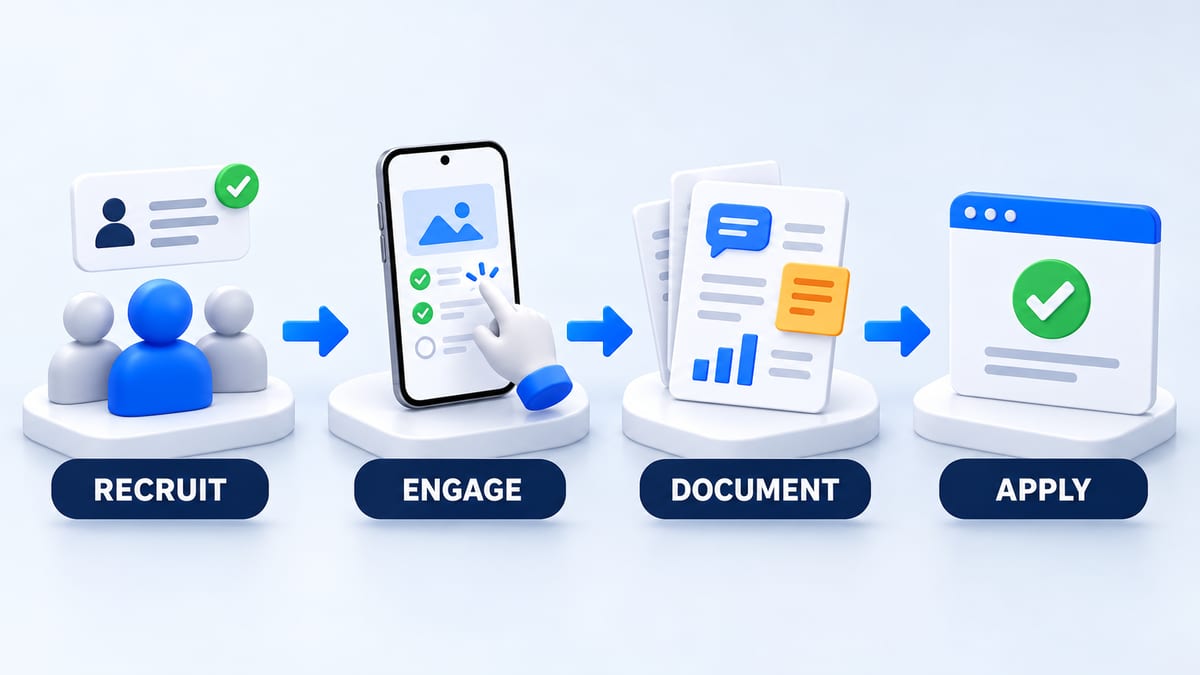
Google's current application asks about the closed test, the app, and production readiness. Keep notes while the test is running so the final answers are accurate and specific.
Document how testers were recruited and why they represent the intended audience. Record how many joined, which features they used, whether behavior matched expected production use, and where participation differed.
Summarize the feedback by theme. Include examples such as onboarding confusion, device specific layout failures, slow startup, permission recovery, or unclear copy. Explain how feedback was collected through the app, email, a testing platform, surveys, or interviews.
List the changes made because of the test. Strong answers name the observed problem, the build that fixed it, and the retest result. Avoid vague statements such as bugs were fixed.
Define why the app is ready. Reference crash stability, completed core journeys, high impact defects closed, supported device coverage, policy checks, and successful retests. Production readiness is a reasoned decision, not the end of a calendar.
Why production access may require more testing
Google says more testing may be required when fewer than twelve testers remain continuously opted in or when tester engagement is insufficient. An application can also be delayed by weak explanations, broken functionality, incomplete policy setup, or invalid review credentials.
If Google requests more testing, read the reason before changing anything. Keep the track active, fix the evidence gap, recruit replacements when necessary, and run the additional period shown in Play Console. Do not reuse generic application text that does not describe the app.
Google Play closed testing checklist
- Confirm that Play Console shows the closed testing requirement for the app.
- Complete the store listing, app content, policy, and data declarations.
- Verify a stable build through internal testing.
- Create the closed track and publish the release.
- Recruit at least twelve relevant testers plus a practical buffer.
- Send the correct opt in and Play Store links.
- Confirm the authorized Google account for every tester.
- Keep at least twelve people opted in continuously for fourteen days.
- Assign realistic missions and collect reproducible feedback.
- Publish fixes and request targeted retests.
- Document engagement, findings, changes, and release criteria.
- Apply for production access with truthful app specific answers.
Frequently asked questions
Do testers have to use the app every day for fourteen days?
Google's published minimum requires continuous opt in for fourteen days. It does not state that every tester must open the app daily. Google does ask about engagement and can require more testing when engagement is insufficient, so participants should perform meaningful tasks during the round.
What happens if one tester opts out?
If the group falls below twelve continuously opted in testers, the minimum is no longer met. A returning tester begins a new consecutive period. Recruit a buffer and monitor membership rather than waiting until the final day.
Can I update the app during the closed test?
Yes. Iterating on feedback is part of a useful test. Publish the new build to the same closed track, provide concise release notes, and ask affected testers to retest the fix.
Can internal testers count toward the requirement?
The production access requirement specifies a closed test. Internal testing is recommended for early verification but does not replace the required closed testing period.
How long does production access review take?
Google says review usually takes seven days or less but can take longer. Keep the closed test available and monitor the account email and Play Console for the result.
Start a structured Android closed test
Create a BetaRoast testing round with your audience, Android coverage, mission, deadline, and evidence requirements. A focused test helps satisfy the platform gate while also improving the app that reaches production.
The Google Play 12 testers for 14 days requirement is a minimum release gate for affected personal developer accounts. A dependable closed test starts with a complete Play Console setup, a stable build, at least twelve continuously opted in testers, and enough backup participants to absorb normal drop off. Give testers meaningful missions, monitor installation and participation, collect reproducible feedback, ship fixes during the test, and preserve a concise evidence log. When production access becomes available, answer the application with specific facts about your audience, engagement, feedback, product changes, and release criteria. BetaRoast helps developers recruit relevant Android testers and run a structured round that creates the evidence Google asks about.