
A closed test should prove that real users can complete your core journey, not merely that they can install the app.
Google Play closed testing gives a selected audience access to a preproduction build. It is useful for validating a release candidate with realistic devices and accounts, and for meeting any production access requirement that applies to your developer account. The setup is only the start. This checklist turns a closed track into a release experiment with clear evidence.
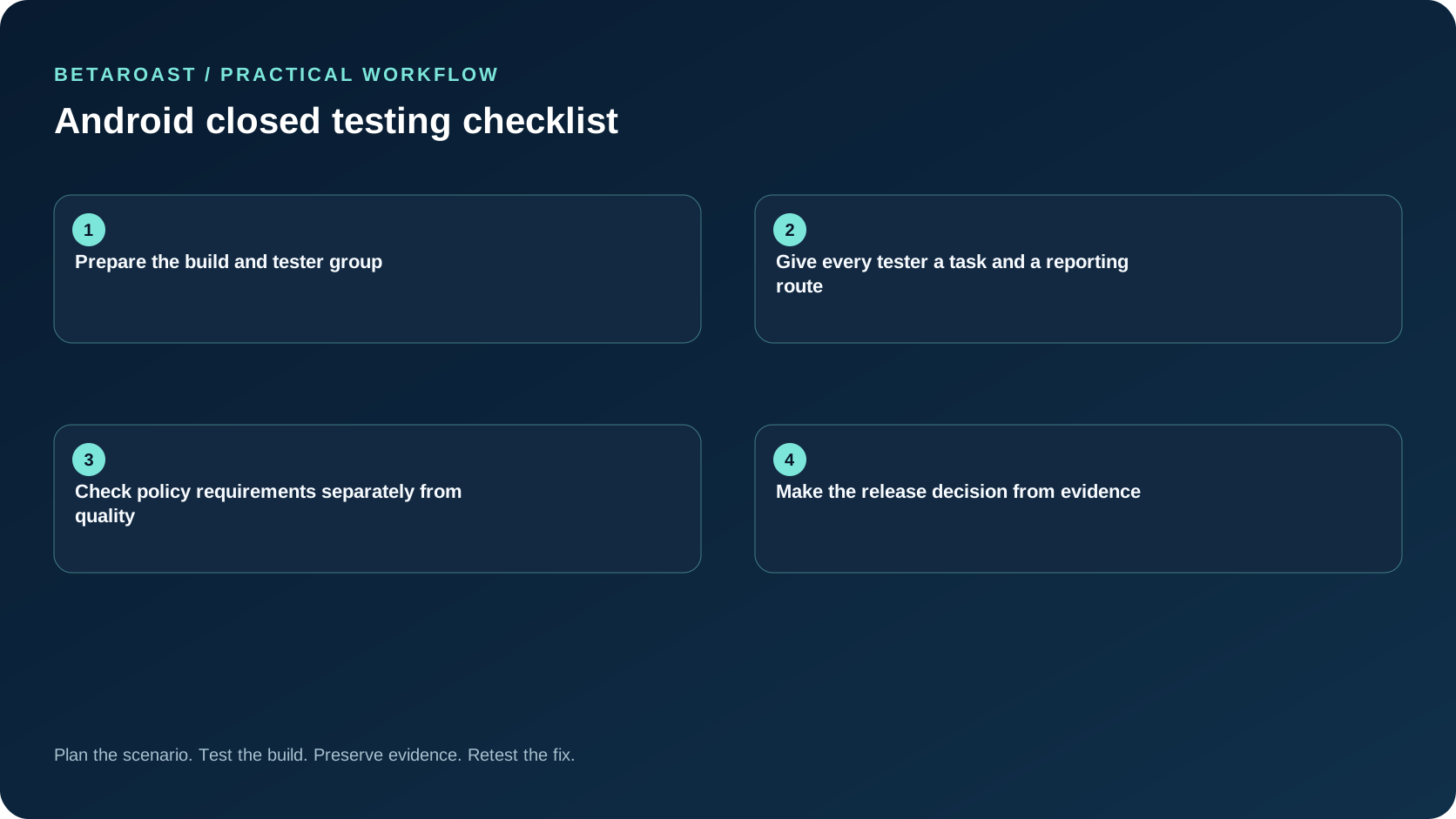
Prepare the build and tester group
Create a signed release build with a version code you can identify in every report. In Play Console, choose the closed track, add the release, and configure the tester list or Google Group. Verify the app's countries, device compatibility, and store listing are consistent with your intended audience. Follow the current Play Console testing instructions, since console controls can change. Send testers the correct opt in link and tell them which Google account must accept it. Test the invitation with an account that is not an administrator.
Give every tester a task and a reporting route
Do not ask people to explore without direction. Assign one core journey, such as account creation through the first useful action, and one failure path, such as a network interruption. Ask for the build number, device model, Android version, steps taken, expected result, actual result, and a safe screenshot. Track invitation, opt in, install, task completion, and useful report as separate stages. A tester who opted in but never opened the build contributes little product evidence.
Check policy requirements separately from quality
Some new personal Play developer accounts must meet a closed testing requirement before requesting production access. Check the current Google Play production access rules for your account instead of assuming every account has the same threshold. Maintain two checklists. One records the platform gate and continuous participation. The other records crashes, blocked journeys, device gaps, accessibility failures, and fixes that have been retested. Passing a platform gate does not mean the app is ready to ship.
Make the release decision from evidence
At the end of the round, compare the test plan with actual coverage. Block release for a crash in a core flow, unsafe data loss, or an issue with no recovery path. Document lower risk defects with owners and an explicit follow up. If coverage is weak, recruit more matched testers instead of treating silence as success. Read the Google Play tester requirement guide if your account is subject to that rule.
Frequently asked questions
Can a closed test replace internal QA?
No. Run automated tests and internal smoke checks before asking external testers to spend time on a build. Closed testing then checks behavior and understanding in real contexts.
Why can a tester not find the app?
Check the opt in account, supported country, device eligibility, track enrollment, release availability, and the exact opt in link. Search visibility is not a reliable enrollment test for internal or closed tracks.
Put the plan into practice
Use BetaRoast to recruit matching testers, assign a short mission, and collect evidence you can use in your release decision. For the broader workflow, read our mobile app beta testing guide.
Treat closed testing as a measured release experiment. Verify enrollment, give testers specific tasks, separate policy compliance from quality, and ship only when the highest-risk journeys have real-device evidence.