
The invitation is the beginning of external testing, not evidence that the release candidate works.
External TestFlight testing puts an iOS build in the hands of people outside your App Store Connect team. The workflow includes a testable build, an external group, possible beta review, invitation controls, and a feedback loop. Use this checklist to avoid recruiting people before they can install the build or before you know what they should test.
Prepare the TestFlight build
Upload a build with a version and build number that support can identify. Fill in beta app information, contact details, and a short description of what changed. Create an internal group and smoke test installation, login, and the main journey first. Apple explains the TestFlight workflow and notes that external distribution can require beta review. Do not promise a launch time to testers until App Store Connect shows the build ready for the external group.
Create the external group and verify enrollment
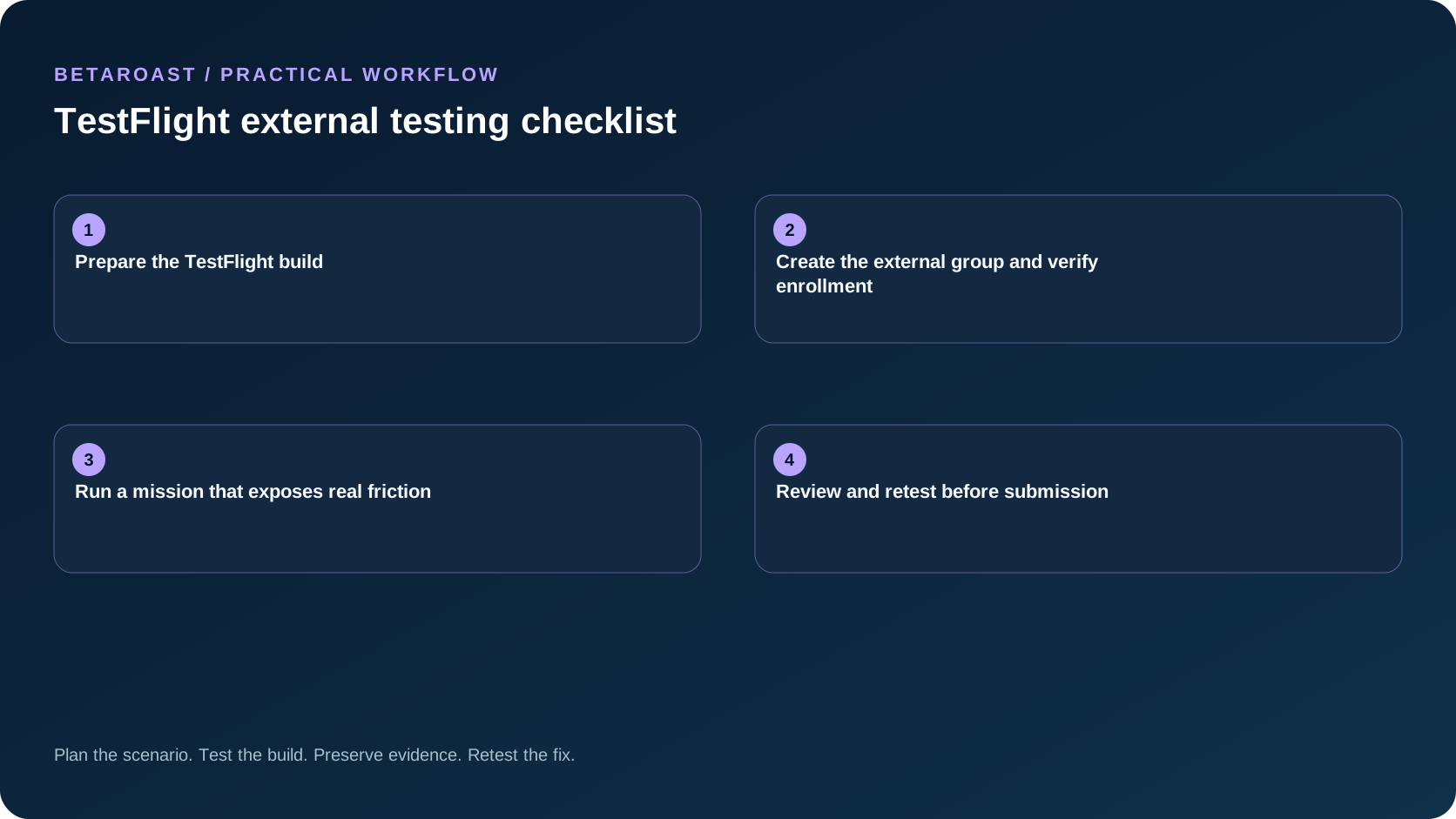
Assign the eligible build to an external group, then choose email invitations or a public link. Use email for a known cohort and a public link when you need a broader funnel. Public link criteria can narrow device or operating system eligibility, but overly tight criteria can silently exclude the people you wanted. Follow Apple's external tester instructions and complete one installation from a nonteam account before sharing the invitation widely.
Run a mission that exposes real friction
Define an outcome rather than a screen tour. A good mission could ask a new user to create an account, complete the first task, leave the app, return from a notification, and recover from a failed network request. Assign different device, locale, and permission states across the cohort. Keep test data synthetic. Ask testers for a screenshot only when it is safe to share and explain how to report sensitive bugs privately. Use the TestFlight public link guide when a public invitation is part of the plan.
Review and retest before submission
Use TestFlight feedback and crash data alongside your own issue tracker. Classify each finding as blocking, needs more information, fixed for retest, or deferred. Send a new build with clear retest instructions for accepted fixes. Record which devices and journeys were actually exercised. A low feedback count can mean weak engagement, not a healthy app. Submit only when release blockers are closed and the remaining risks have named owners.
Frequently asked questions
Does every external build require full beta review?
Apple requires review for the first build added to an external group. Later builds may not require a full review, so check the current status in App Store Connect rather than relying on a fixed turnaround.
Should testers use real customer accounts?
Prefer dedicated test accounts and synthetic data. If a journey depends on production integrations, define exactly what is safe before inviting anyone to test.
Put the plan into practice
Use BetaRoast to recruit matching testers, assign a short mission, and collect evidence you can use in your release decision. For the broader workflow, read our mobile app beta testing guide.
An external TestFlight round works when installation, eligibility, mission, feedback, and retesting are all verified. Do not confuse a full tester list with validated release quality.